
Umo Card
No app? No problem. The Umo Card is your reloadable, tap-and-go way to ride VRT.
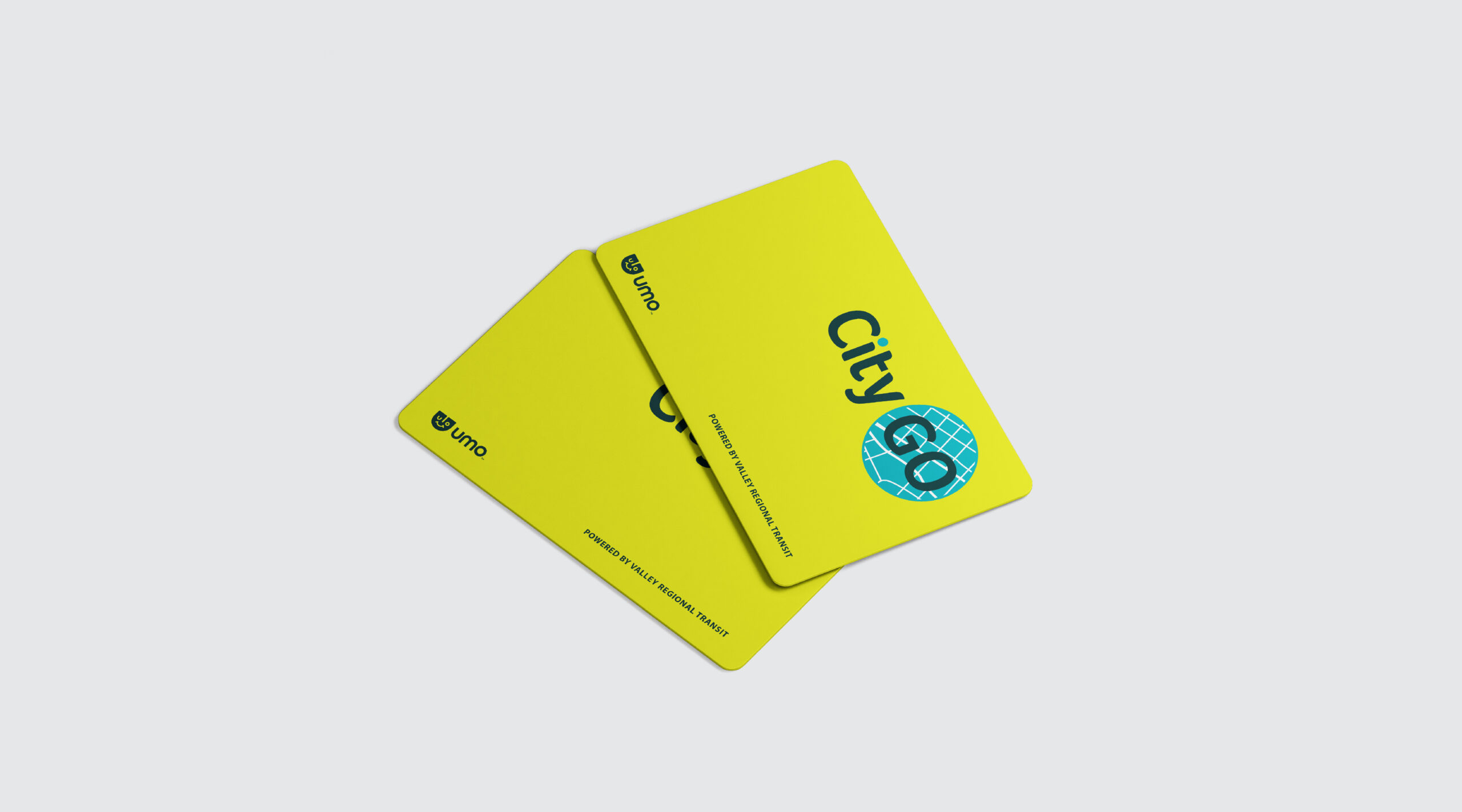
I Have a Card
Already have a Umo Card? You’re ready to roll.
Reload your Umo Card, check your balance, or redeem benefit codes anytime in the Umo Passenger Portal. Load between $5 and $100 — or set up auto-load with your debit or credit card so you’re always ready to ride. When it’s time to ride, just board, tap, and go.
Prefer to reload in person? Call 208-345-7433 or stop by a VRT customer service location.
-

Keep Your Balance Safe
Register your card on the Umo Passenger Portal. If your card is lost or stolen, your funds can be transferred to a new card.
Heads up: Umo Card sales are final, non-transferable, and non-refundable.
-

Pay as You Go
Don’t know how much you’ll ride? With fare capping, you’ll never pay more than the cost of a pass. Within the day, month, or year, fare capping is automatically applied — no guesswork, no overpaying. Just tap, ride, and let the pass do the math.

I Need a Card
Pick up a Umo Card at any VRT Customer Service window, and you’ll be on your way.

Common Questions
-
What is fare capping?
Fare capping ensures passengers never pay more per day or per month than the amount of an all-day fare in a single day or 31-day fare over a month. Now you never have to worry if you’re paying more than you need to!
How it works:
• As you ride, the system automatically deducts fare value from your account for each trip.
• Once you have paid a total of $2.50 in a standard All-Day (or $4.50 in regional fare), the system will “cap” your fare AND let you ride fare-free for the rest of the day. Whether you ride three times or more that day, you won’t pay more than the cost of an all-day pass!
• In a calendar month, once you have used $42 in fare (or $90 for regional fare) — which is the cost of a 31-day pass — the system will cap your fare and let you ride fare-free for the rest of the month.
-
Who can use a Umo Card?
Anyone! The Umo Mobility app and Umo Card are free to use. You pay the same bus fares as always, with no additional taxes or fees.
-
How do I pay for the bus with the Umo Card?
Every bus is equipped with a Umo validator — it’s super easy to use. As always, have your card ready when the bus approaches.
Tap the card on the bottom half of the validator and wait for the beep indicating that your fare has been accepted. The light above the validator should also briefly flash green.
Have questions? Simply ask the bus operator and they will gladly help you get on your way.
-
I use a reduced-fare pass (e.g., Senior, Disabled, Student). How do I obtain this pass in the new system?
You’ll need to fill out a form to transfer your reduced-fare pass to your Umo account. There are two ways to complete the form needed to access to reduced fare:
1. Come to Main Street Station, Happy Day Transit Center, or VRT Admin Office in Meridian. Fill out the form and turn it in.
2. Request the form via email, fill out the form, and email it back to customer service or return it in person at a customer service window.
-
How do I use a single ride? I don’t see a pass option for this.
Our new system will automatically deduct your fare each time you tap your card on the bus.
To do a single trip:
1. Go to the Umo Passenger Portal to load money.
2. In the “My Wallet” section, click “Buy”
3. Choose “Stored Value”
4. Add and purchase a set amount.
5. With money loaded onto your account, simply use your card when you board the bus for your single trip, and only one-way fare will be deducted.
-
What can I use the Umo Card for?
Currently, the Umo Card can be used to ride Valley Regional Transit buses. But keep checking back as we will be adding additional modes of transportation in the near future.
-
I’m an employer. Can I pay for my employees’ trips to the office with Umo Cards or the Umo Mobility app?
Yes! Learn more about VRT City Go group passes here.
Get the app
One app to plan your trip, find your stop, and pay!
Learn MorePlan. Track. Pay.
 Umo Mobility App
Need Help?
For trip planning, purchasing passes, using the app, and more, we’re here to help.